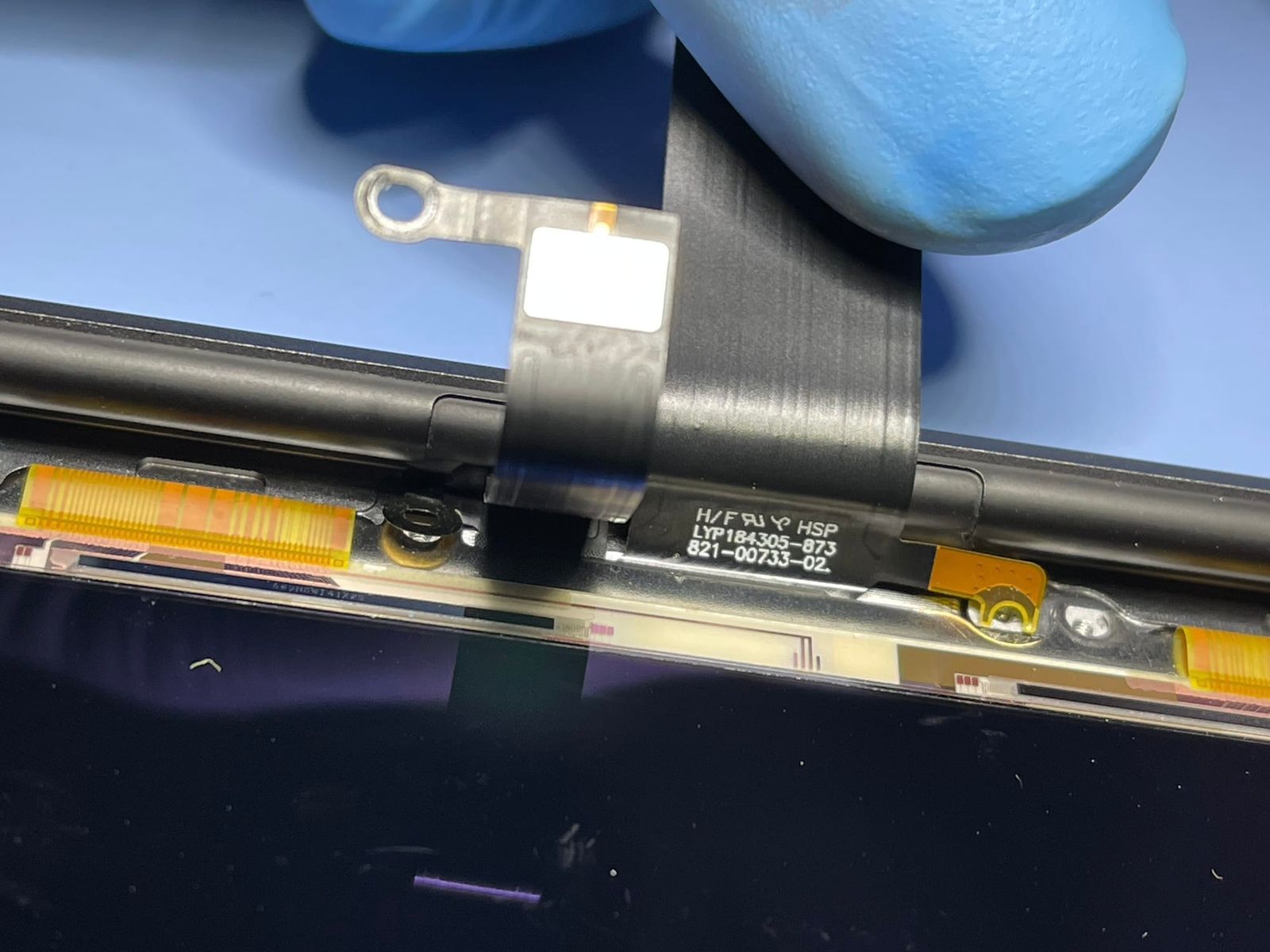
Sand in a MacBook Pro 13 M1 (A2338) — lines on the screen from worn display cables
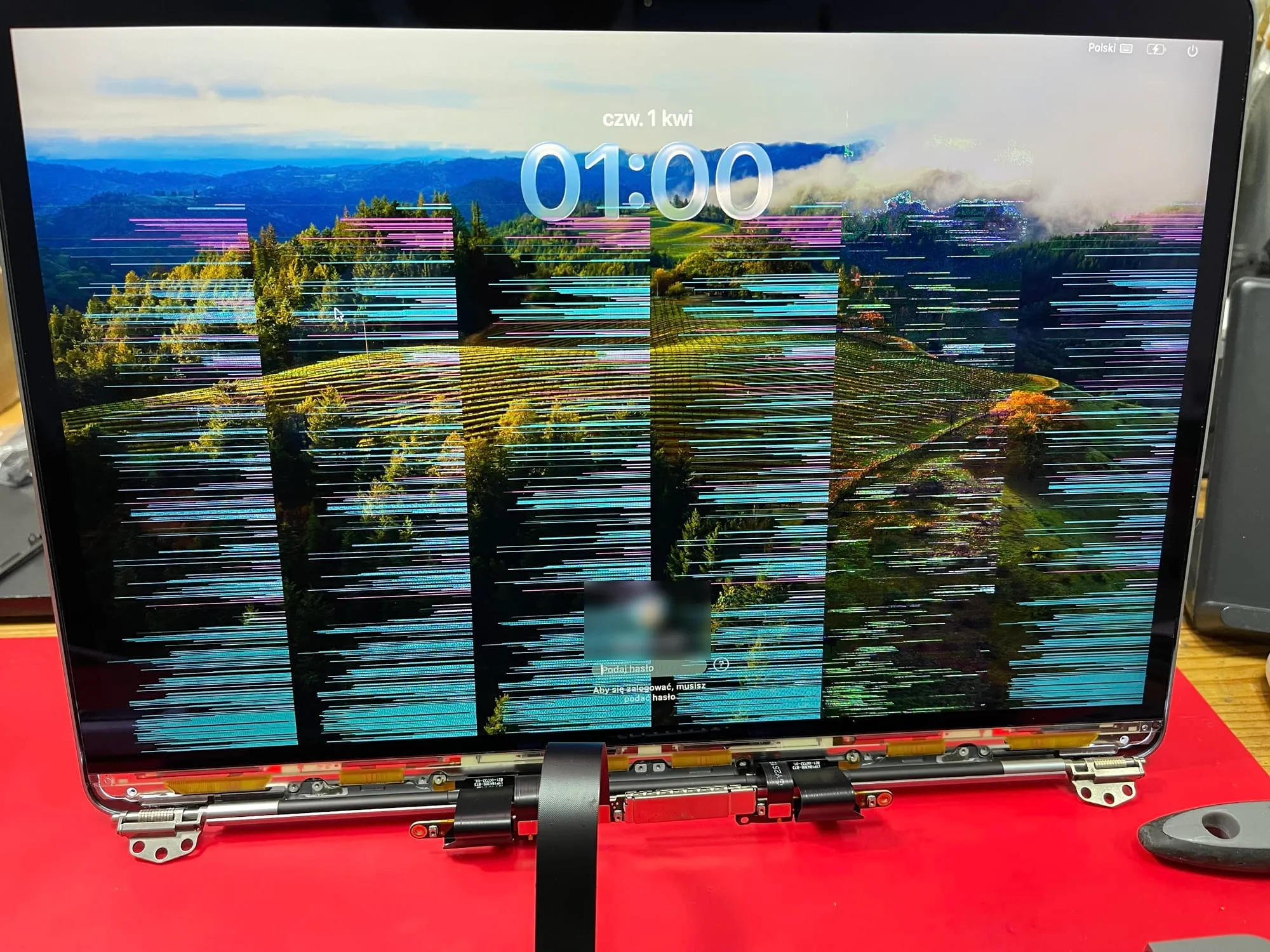
Lines across the whole screen, and not a single scratch on the display. That’s what the image looked like on this MacBook Pro 13 M1 (A2338). The cause? Sand 🏖️
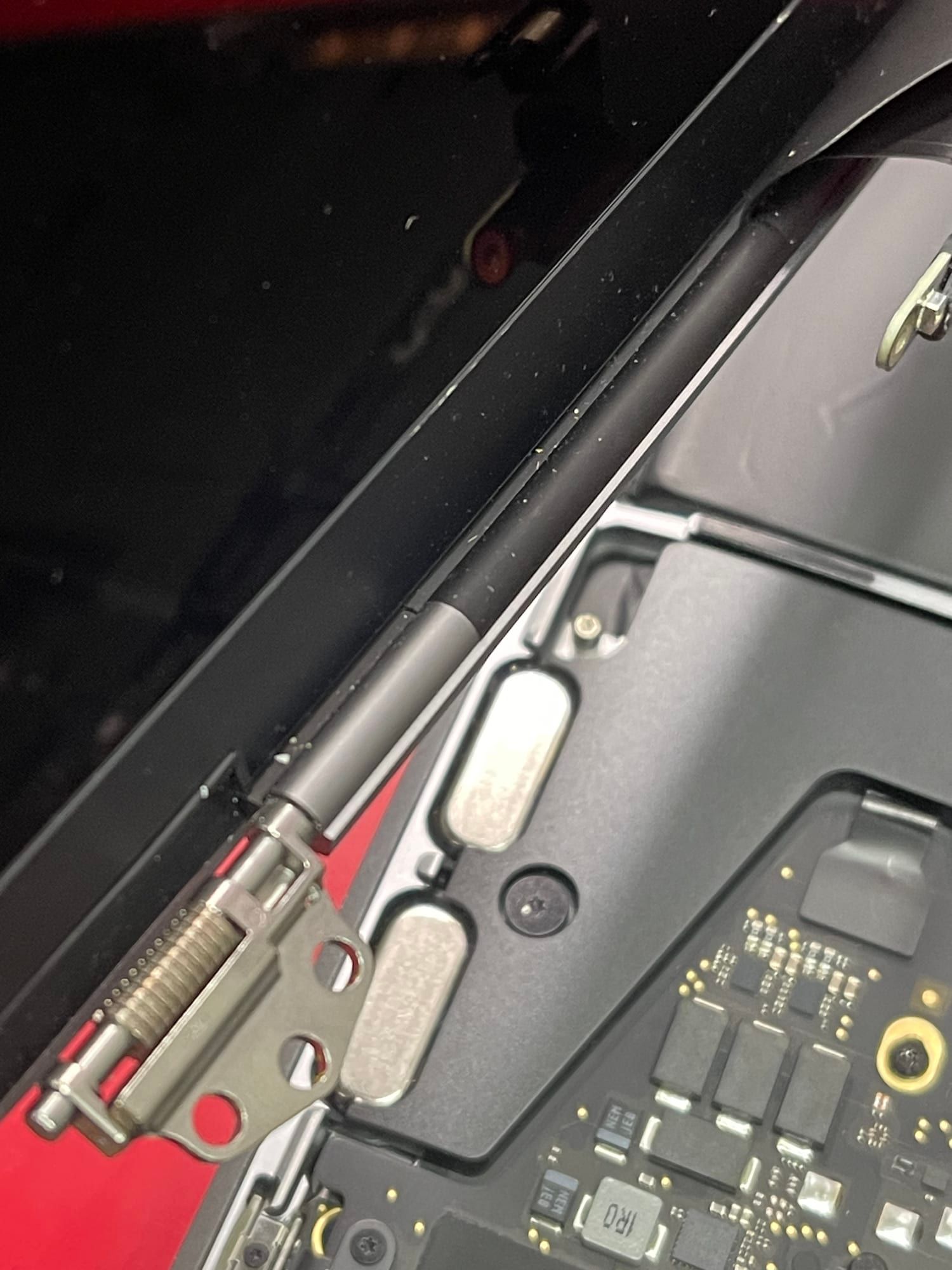
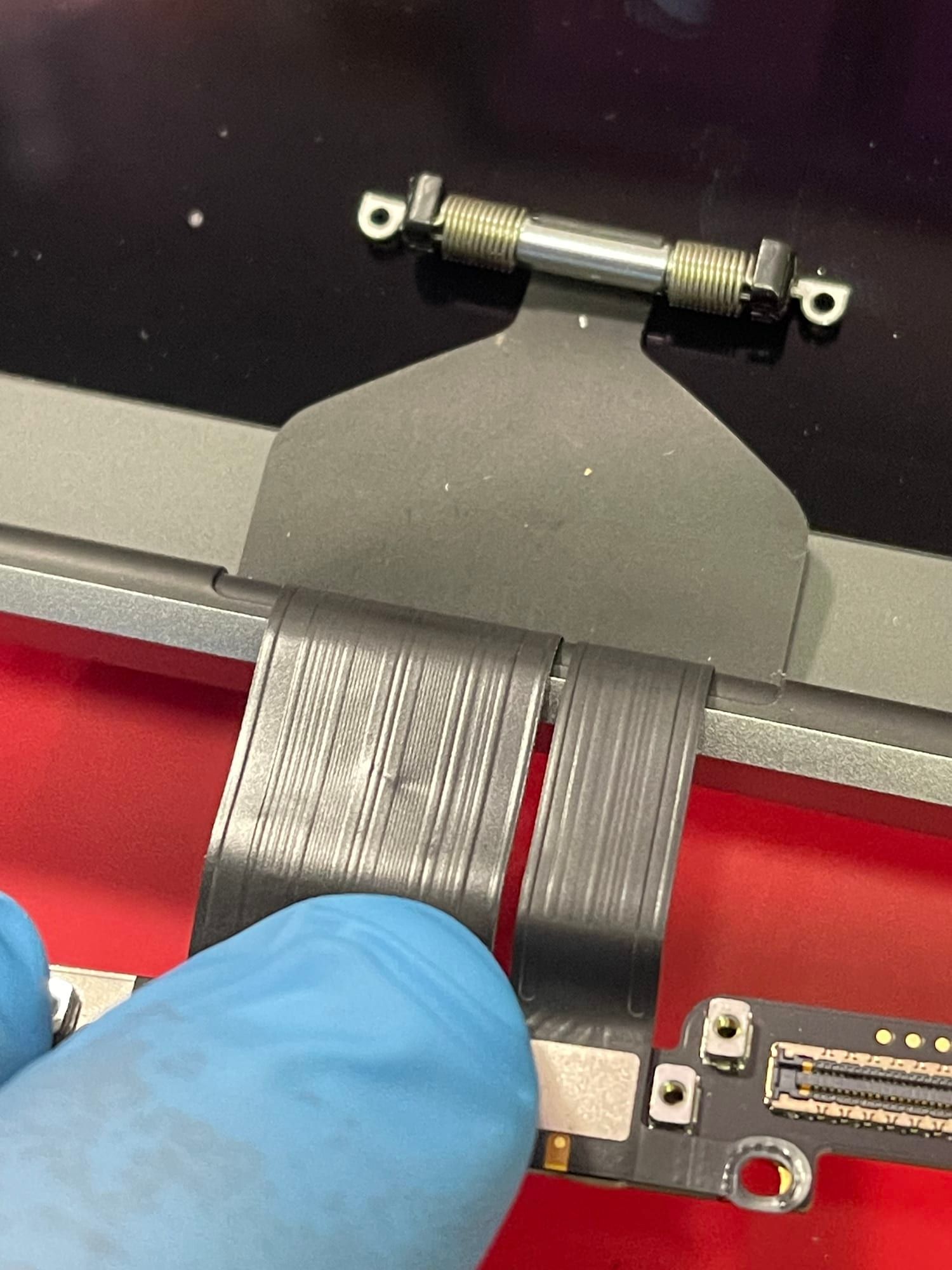
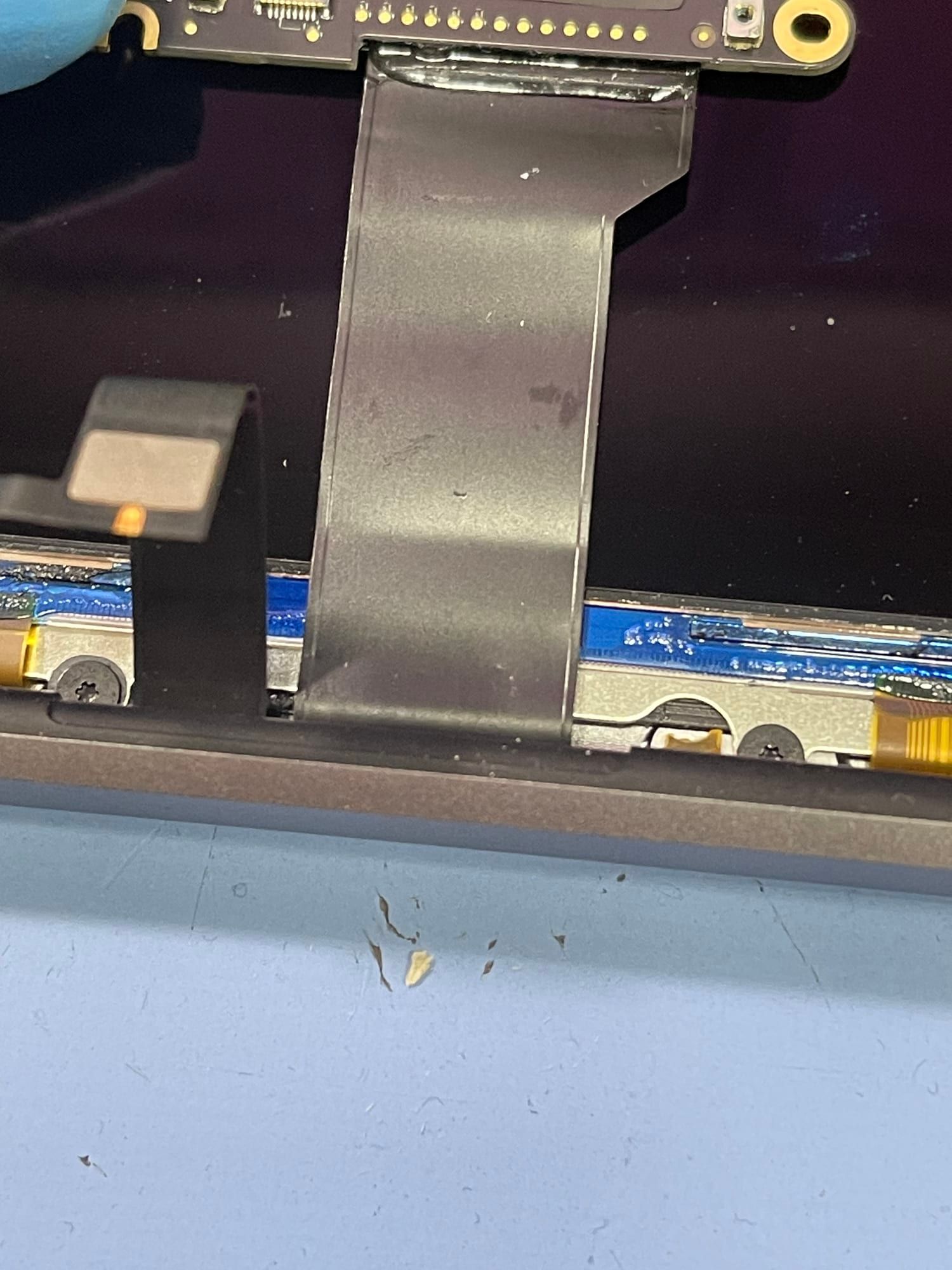
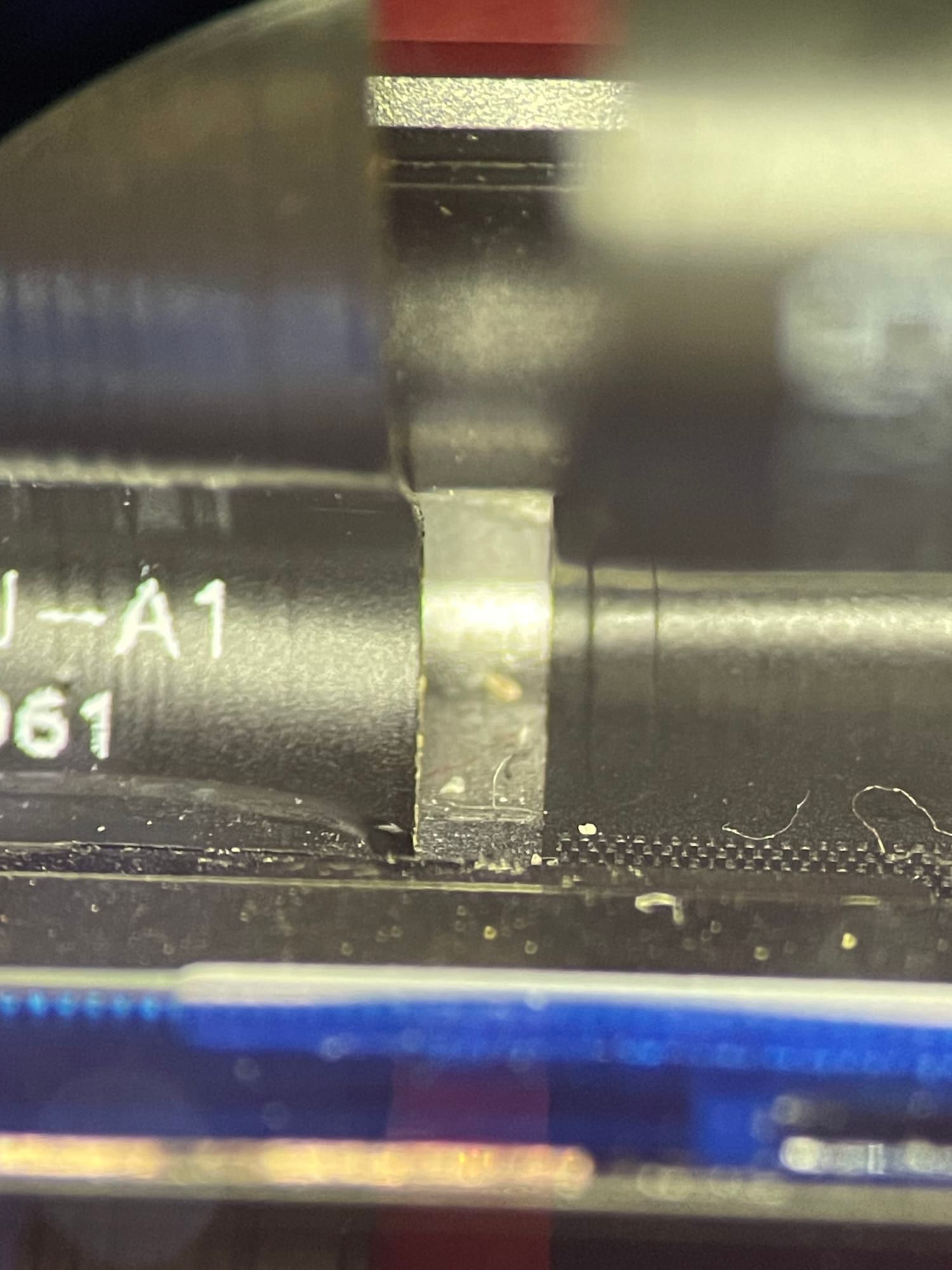
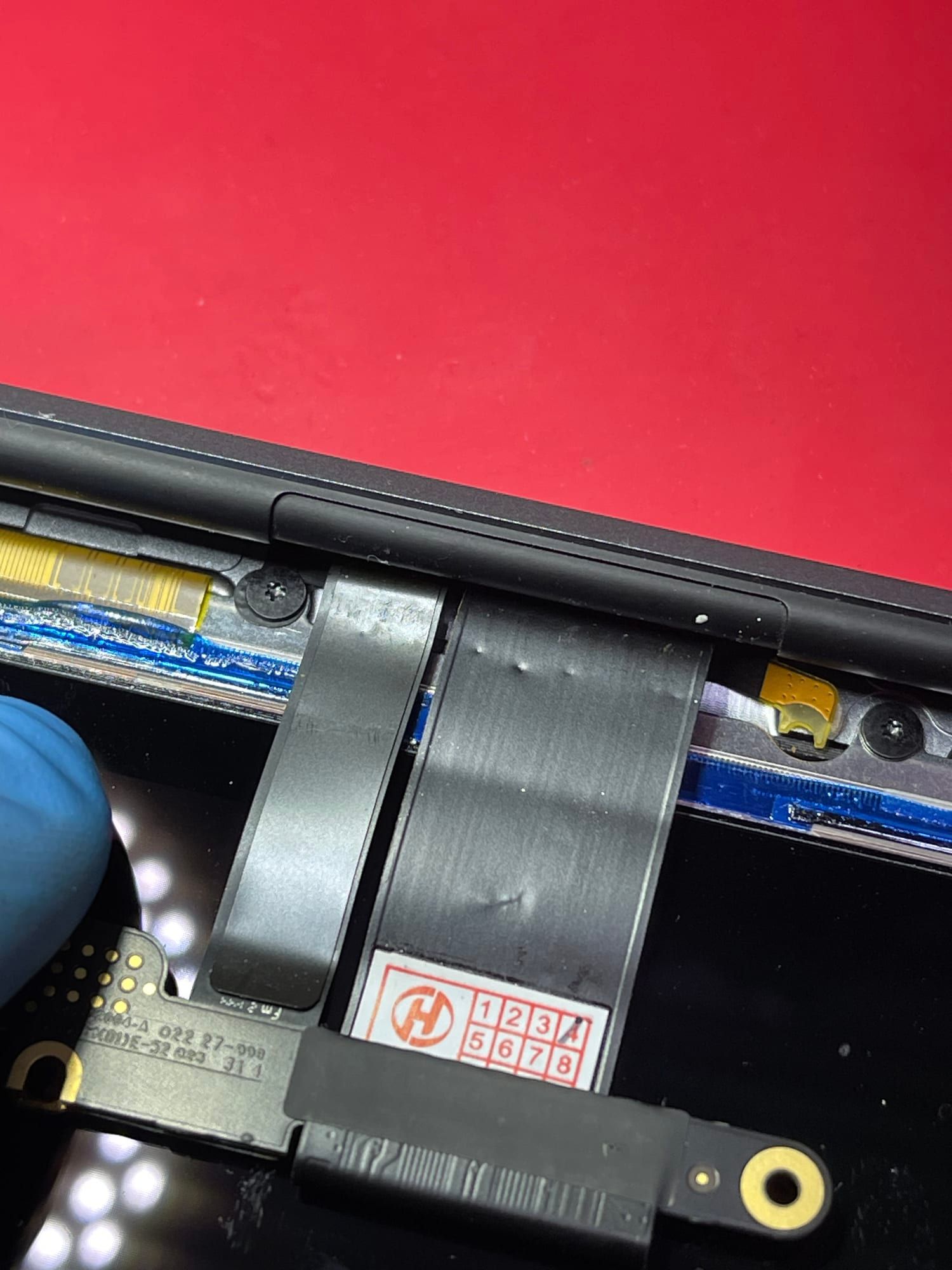
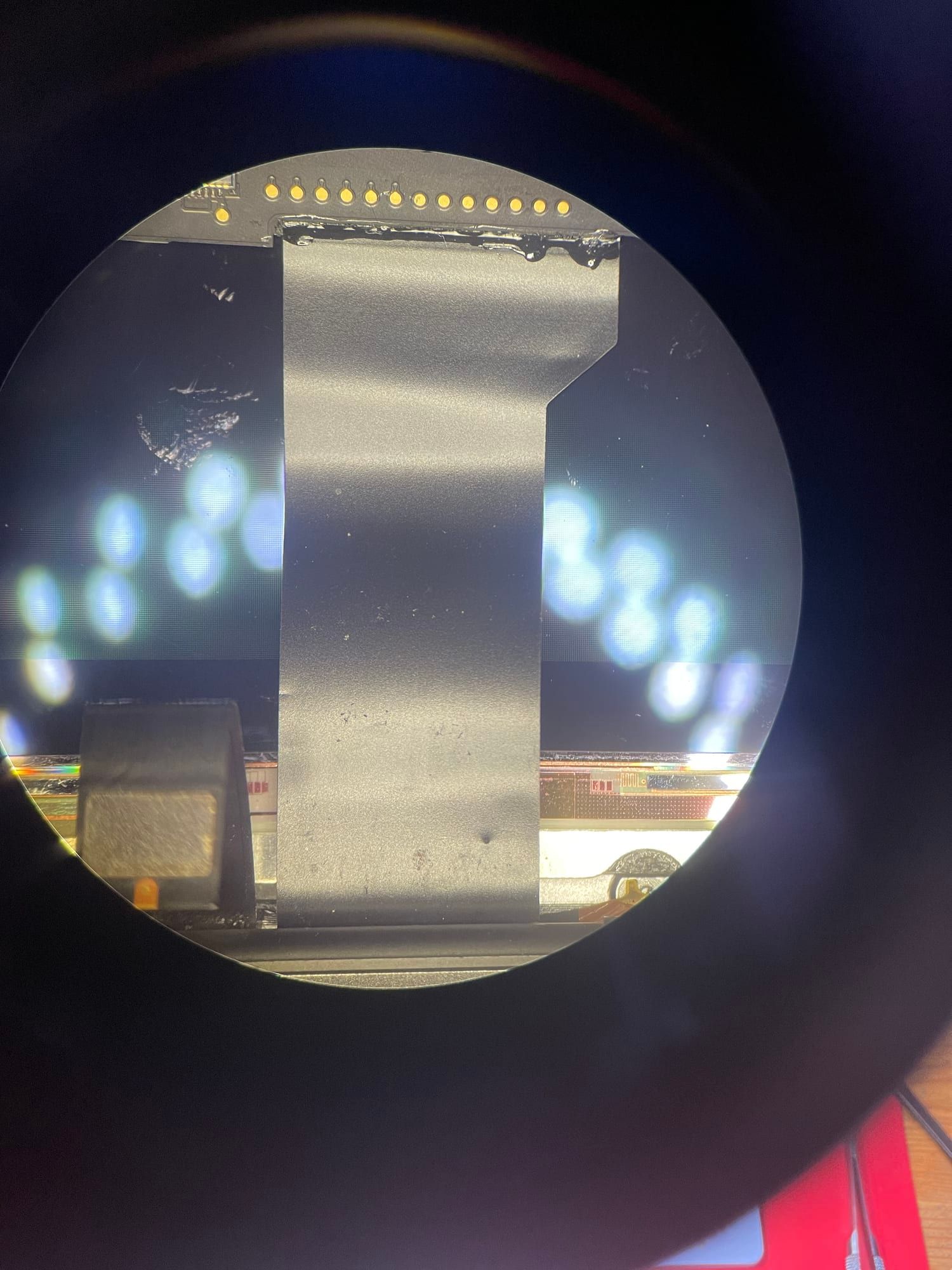
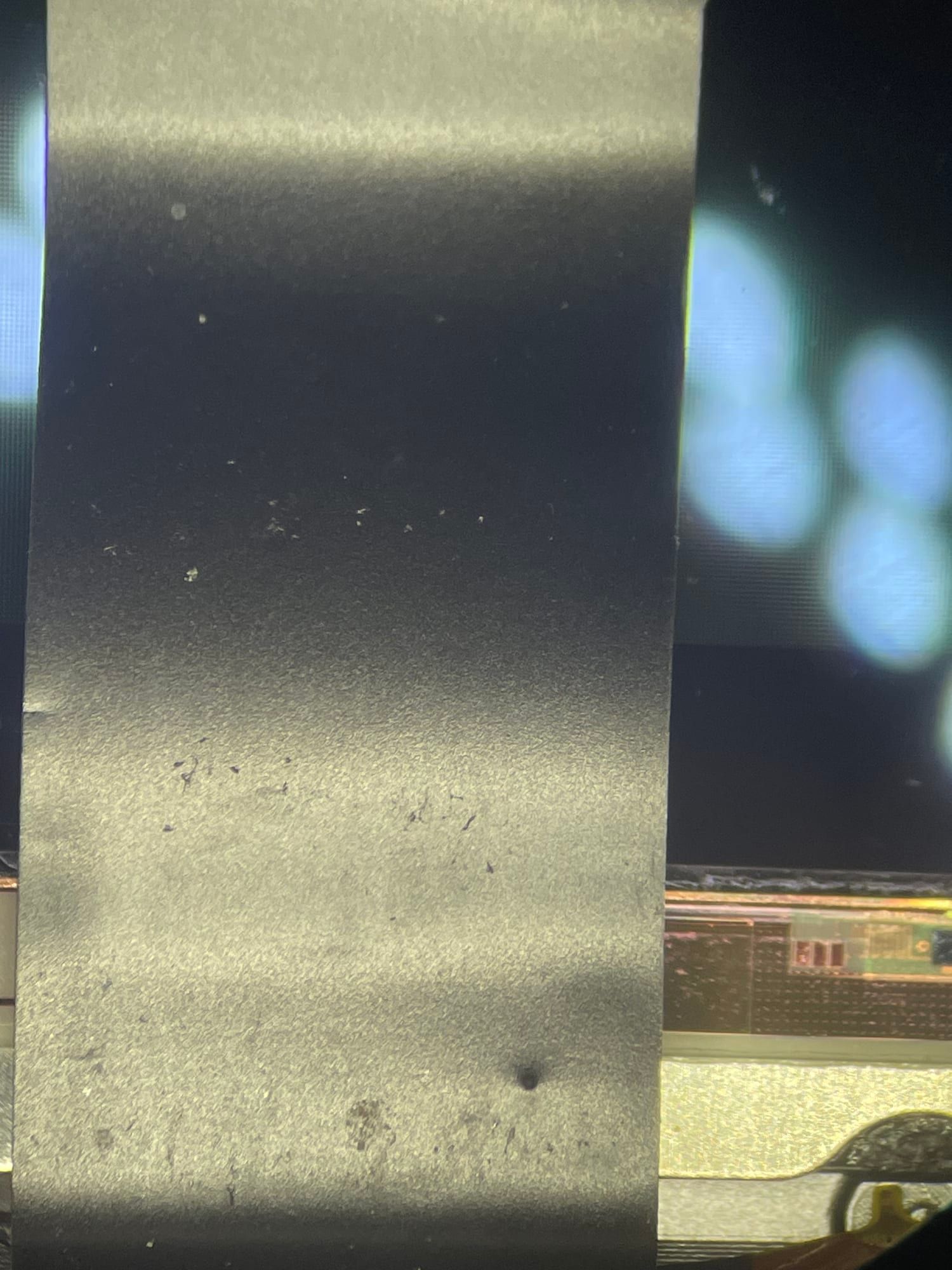
A MacBook has no protection against dust or water, and grains of sand are essentially hard particles of quartz. Once they get inside the case, they mercilessly wear through the thin, flat display cables — all the way to holes. Under the microscope you can clearly see where they settled.
And it wasn’t the first time. I’ve had MacBooks from 2016–2020 come back a month after a screen replacement with a display fault, even though the screen was intact. The cause only showed up on a thorough inspection — sand inside.
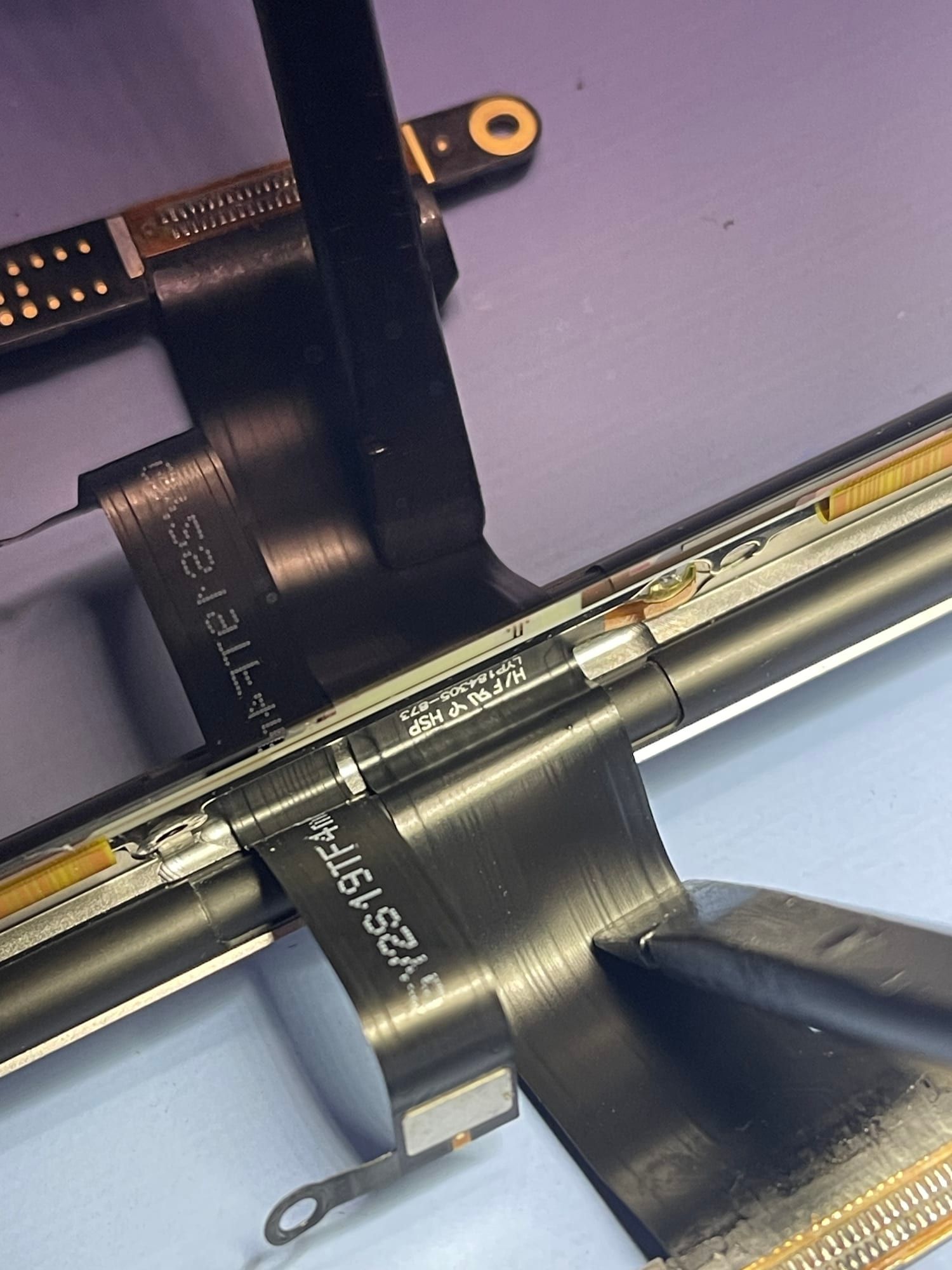
The good news is that the display doesn’t need replacing. This fault is repaired by replacing the TCON cables 🔧 I did a similar repair on a MacBook Pro 15 A1707 — there it was dirt that damaged the cables.
Sand doesn’t spare the battery either, as it can puncture a cell. More about that in the guide to MacBook batteries.
The moral? On the beach a MacBook is best left in its bag. And if it has been in contact with sand, it’s better to have it cleaned before the grains do any damage. Here’s how I do MacBook screen replacement.