MacBook Pro 15 A1990 with a purple screen
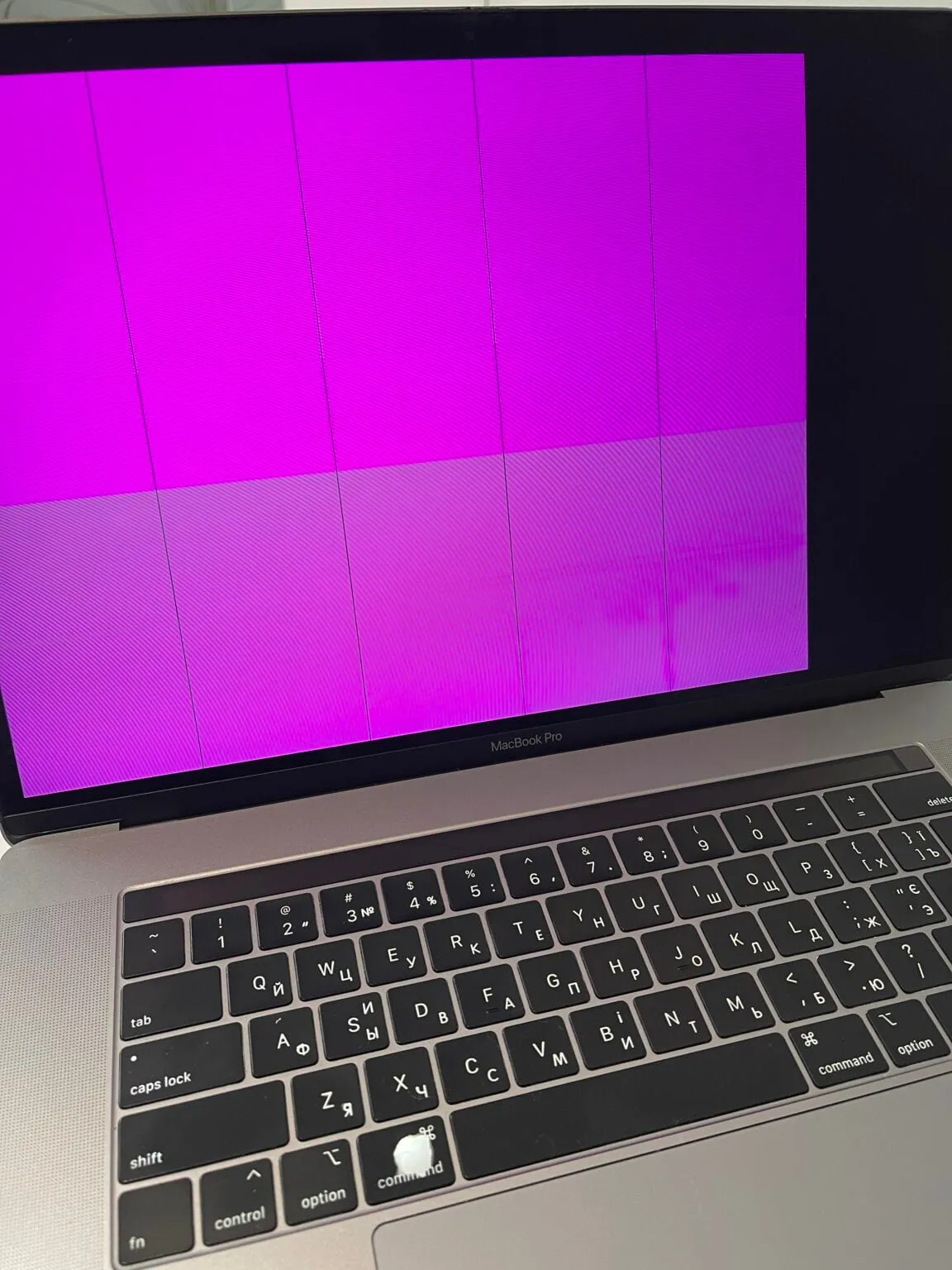
A MacBook Pro 15 A1990 with a purple screen — saved.
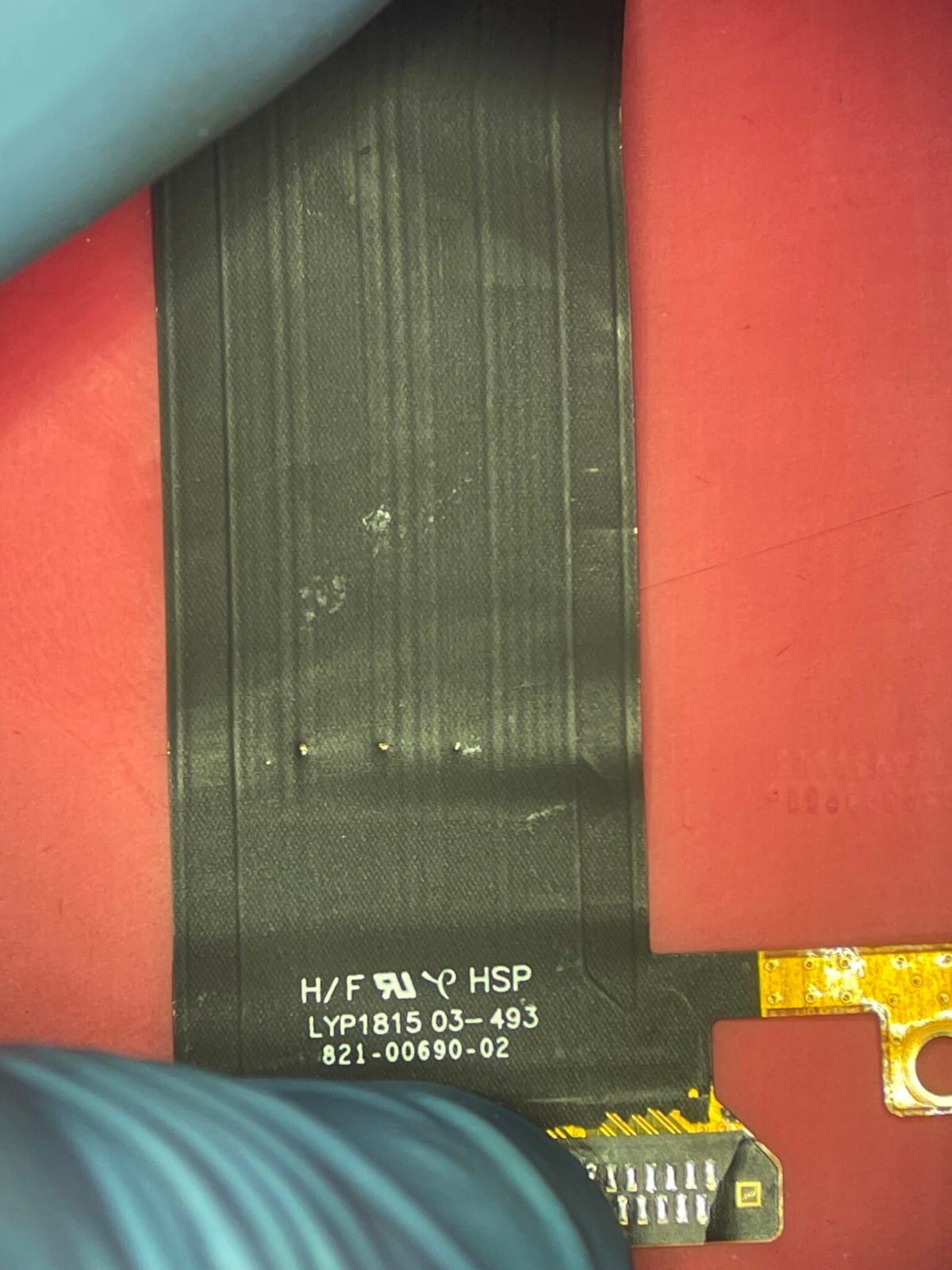
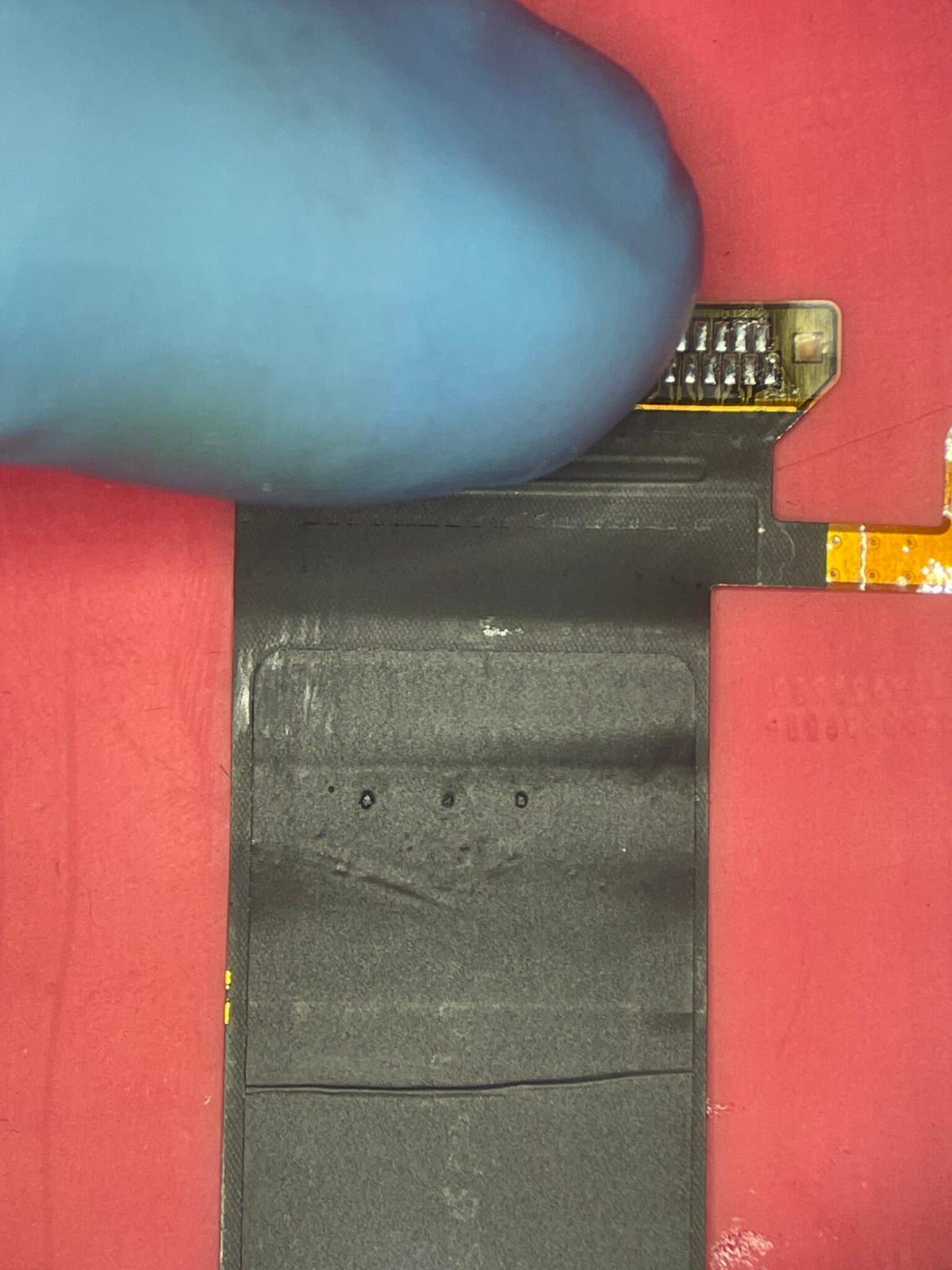
There was no proper image on the screen at all. The cause: damaged T-CON signal cables (the so-called “flexgate”, in its advanced form). Many people see it as a simple cable swap, but in reality it’s a very demanding job. The photos show how three small breaks in the signal cable ruined the image across the whole display.
What was done:
- Cutting out the panel: the replacement meant carefully removing the delicate glass LCD panel from the display housing. The slightest mistake or stress at this stage means a cracked screen.
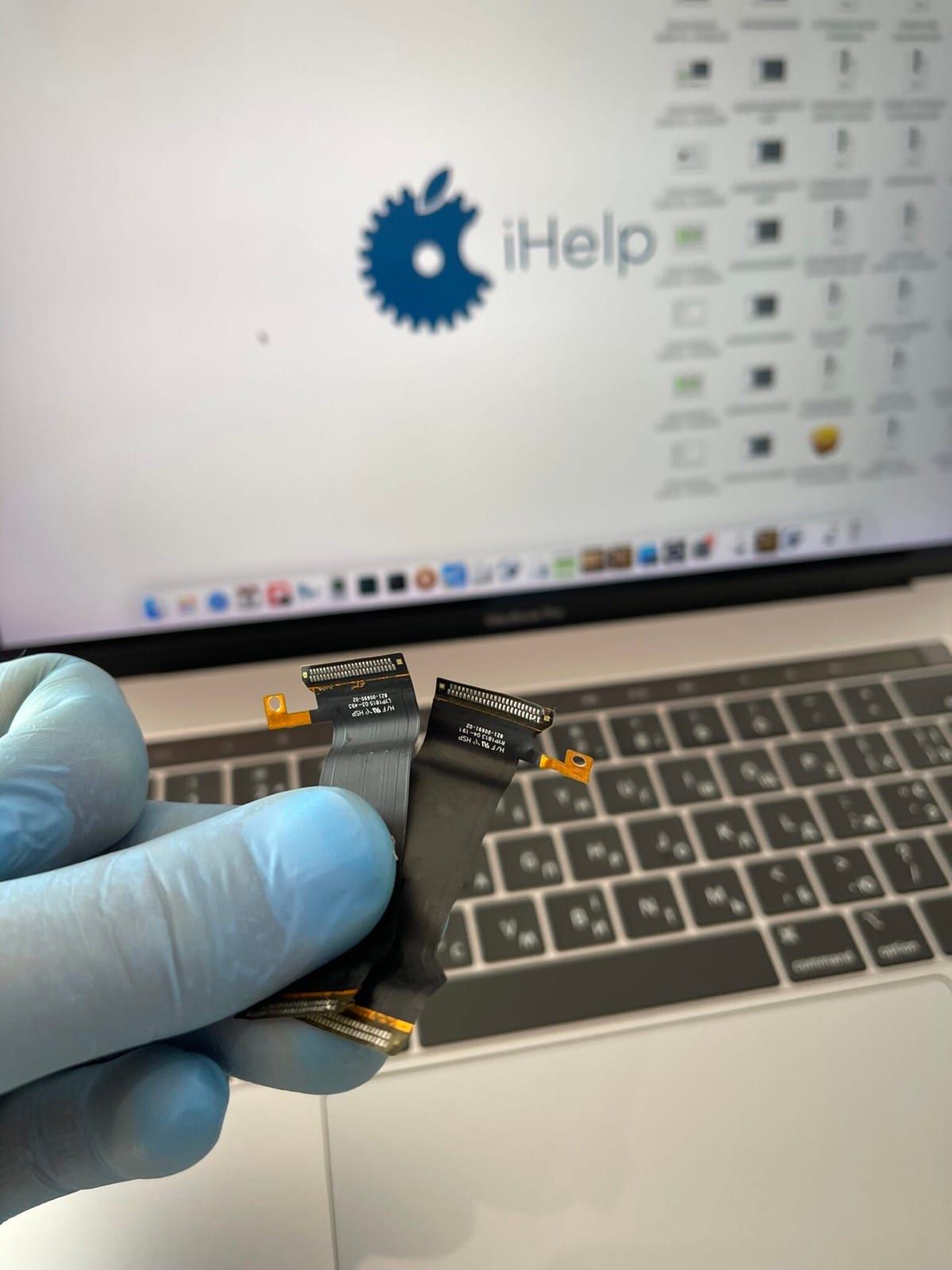
- Removing the damaged parts: once the display electronics were safely exposed, the factory cables were desoldered from the panel’s logic board.
- Fitting new T-CON cables: positioning and soldering the new cables under a microscope, where every millimetre and an even temperature matter so as not to overheat the delicate structures.
- Reassembly: after soldering, the panel was glued back into the aluminium housing to factory standard.
The owner avoided the high cost of a complete new display assembly 🛠️
More about MacBook screen replacement and repair.