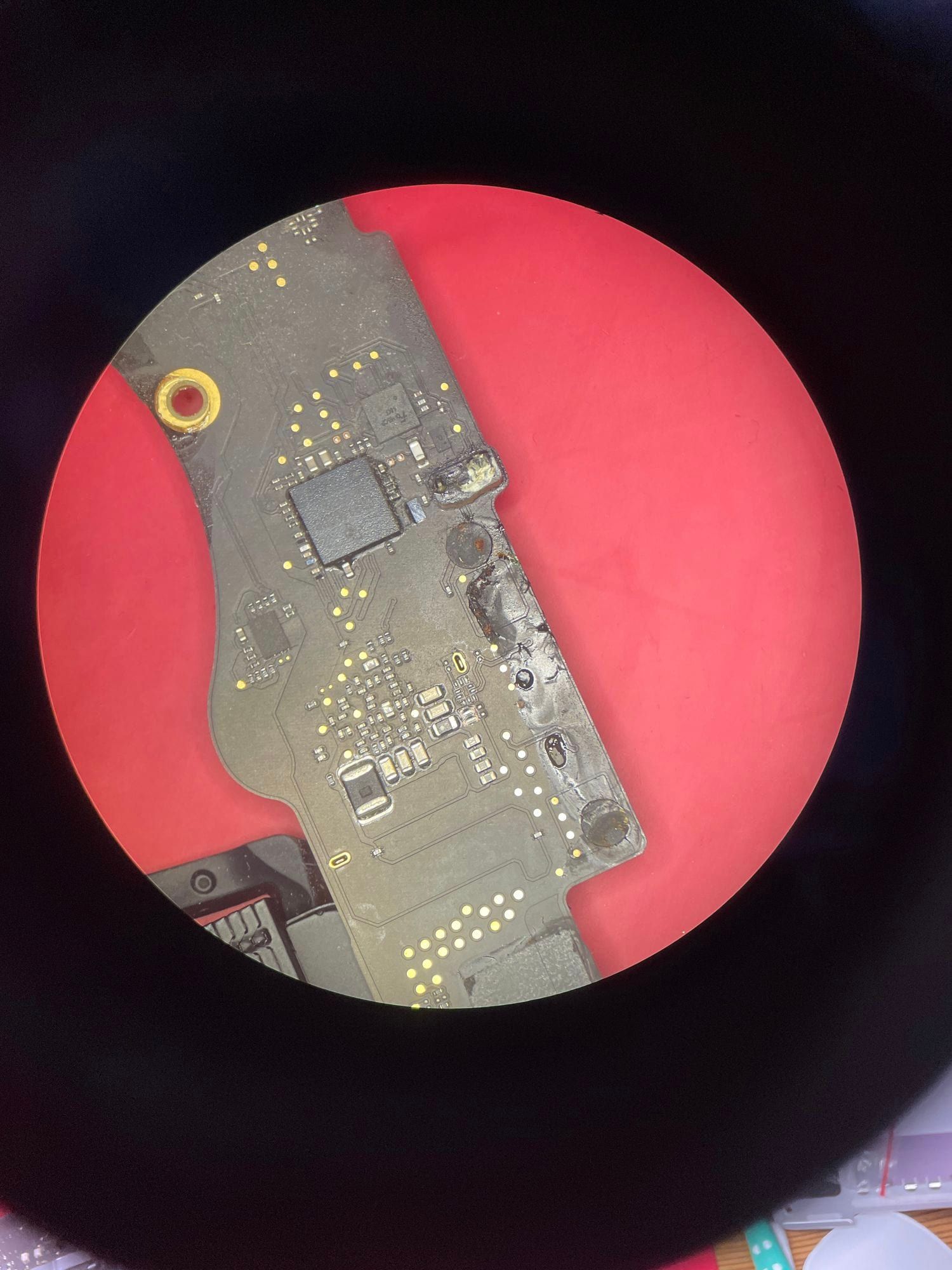
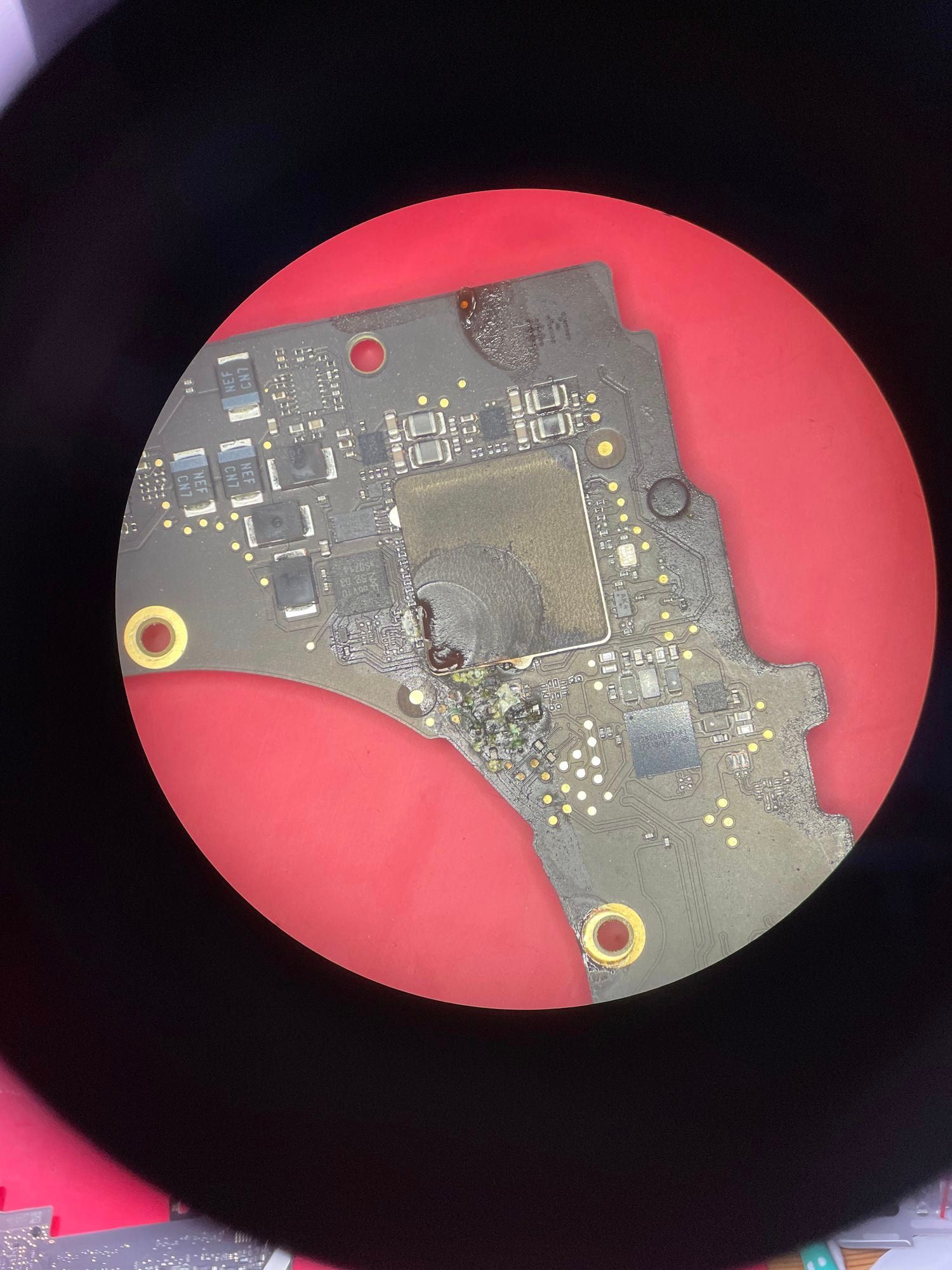
Liquid-damaged MacBook Pro 13 A1706 wouldn’t boot — corrosion by the USB-C ports
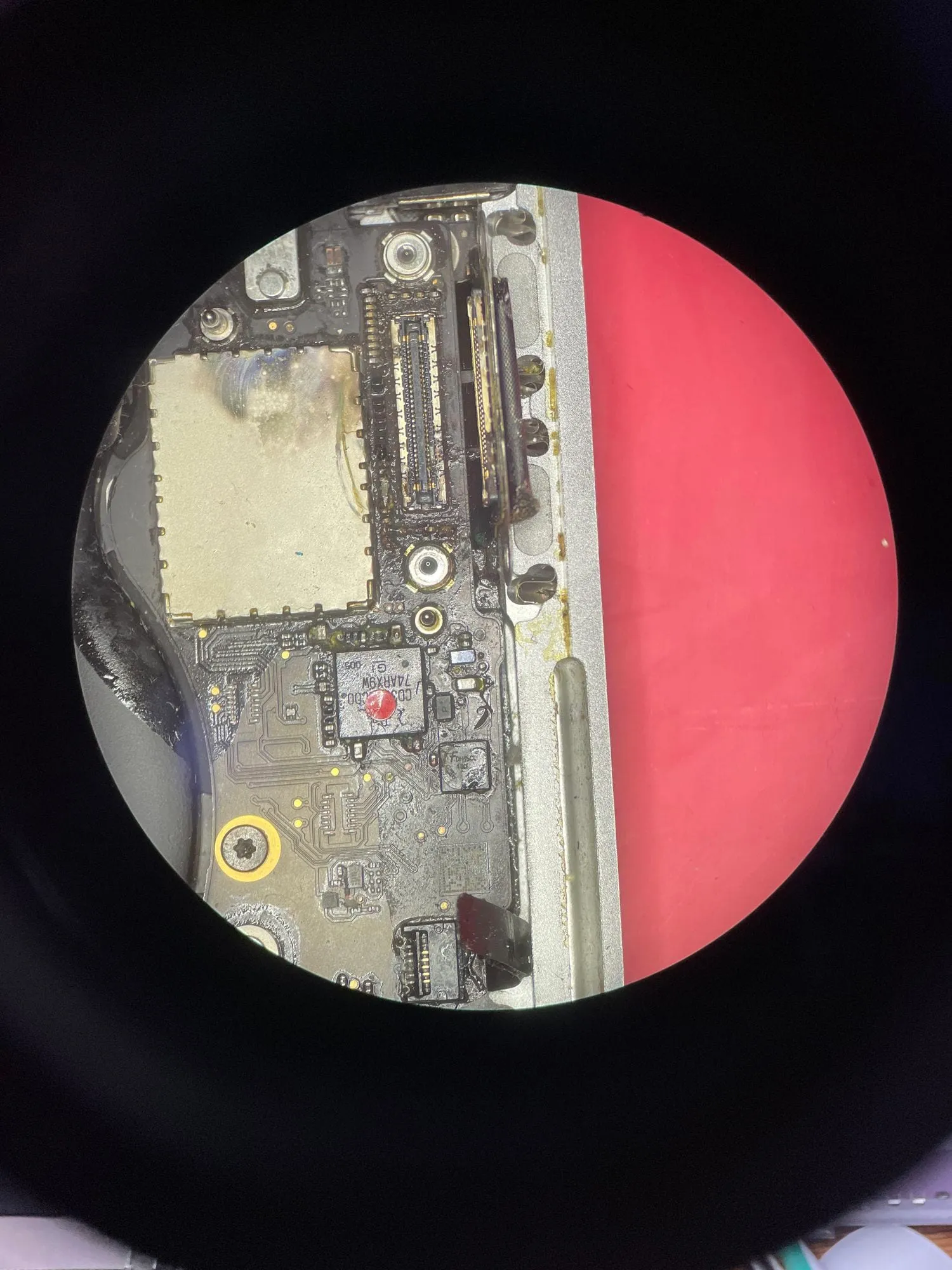
A MacBook Pro 13 A1706 after liquid damage — it wouldn’t boot or charge 💧
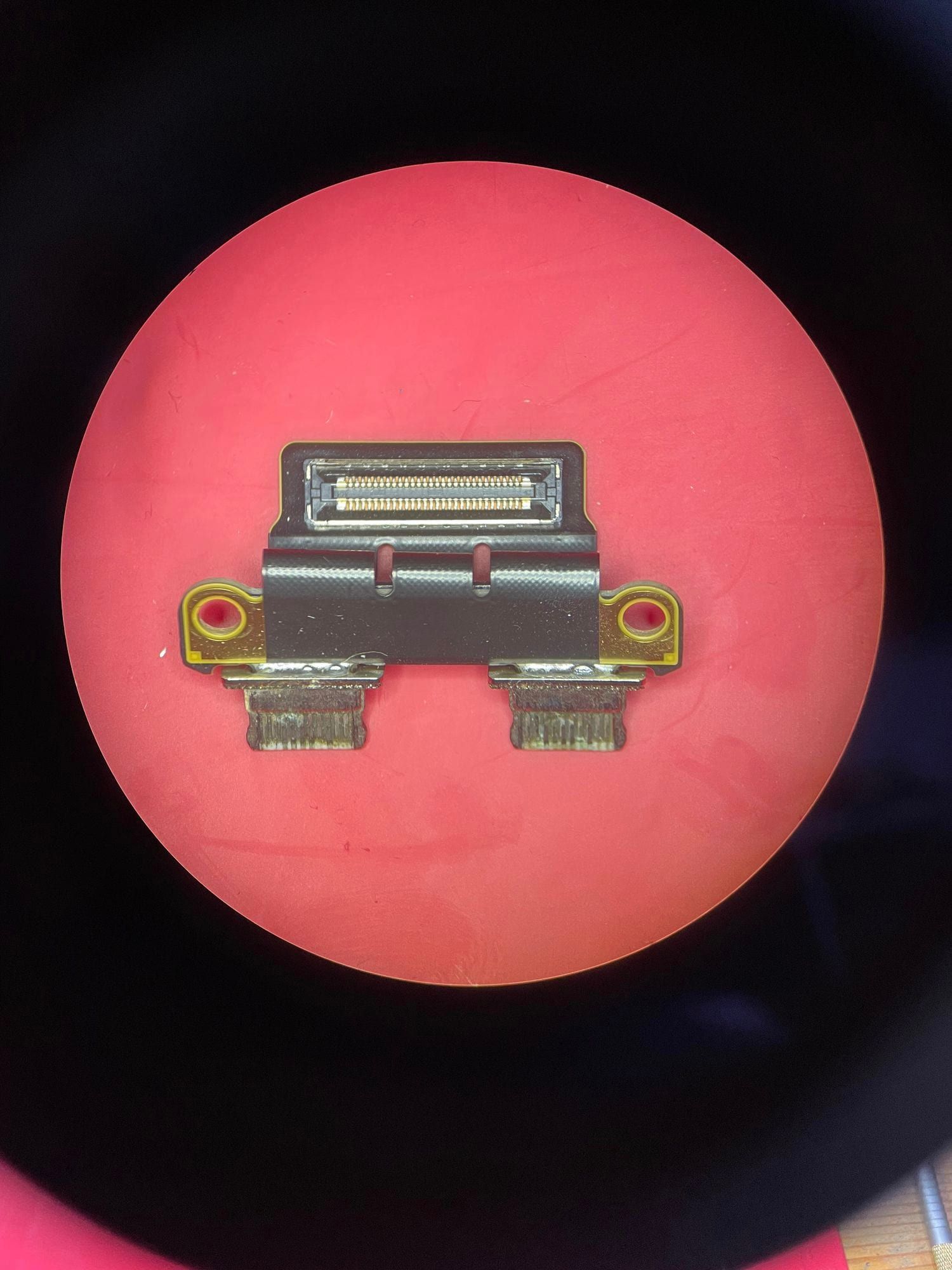
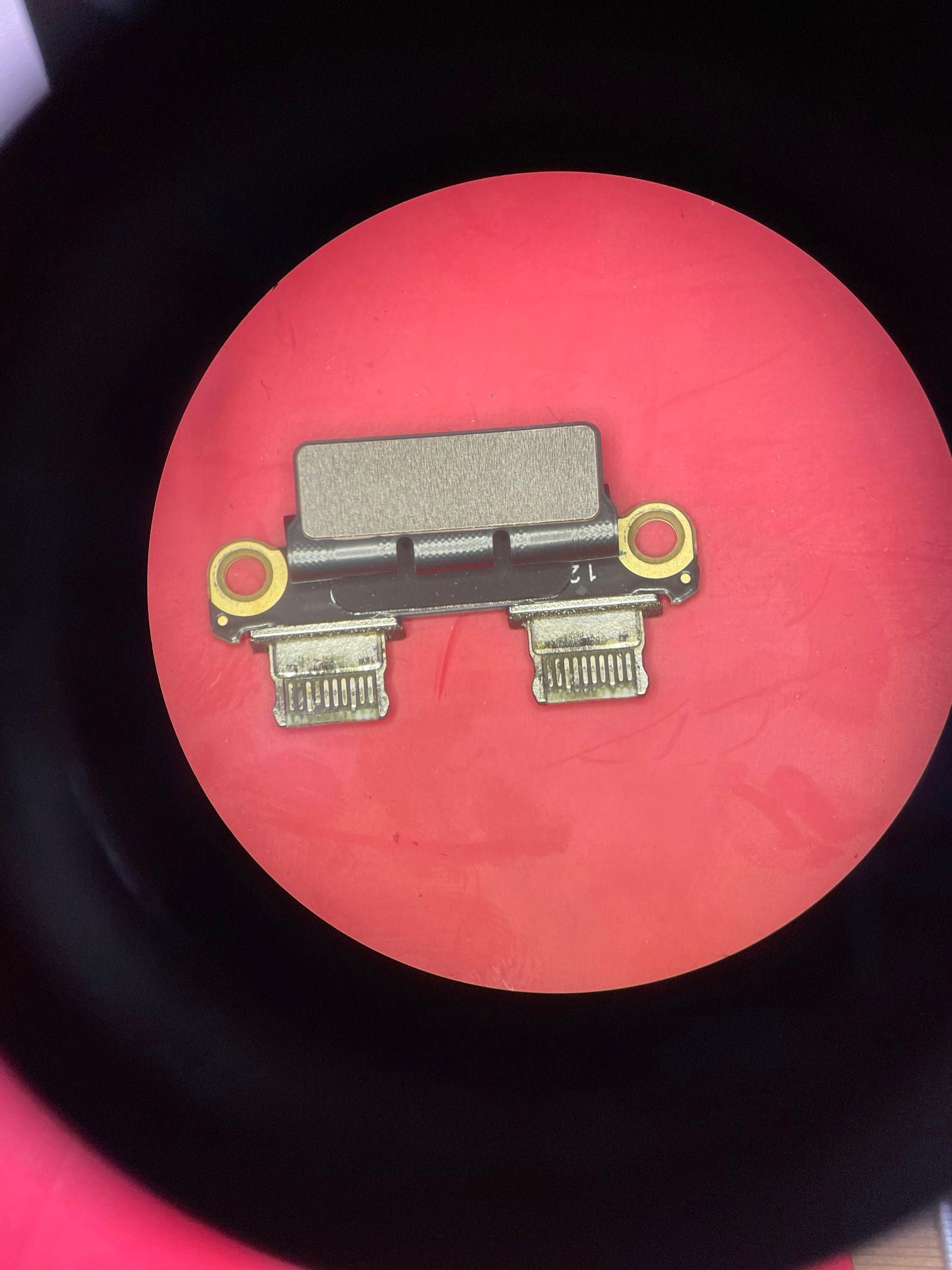
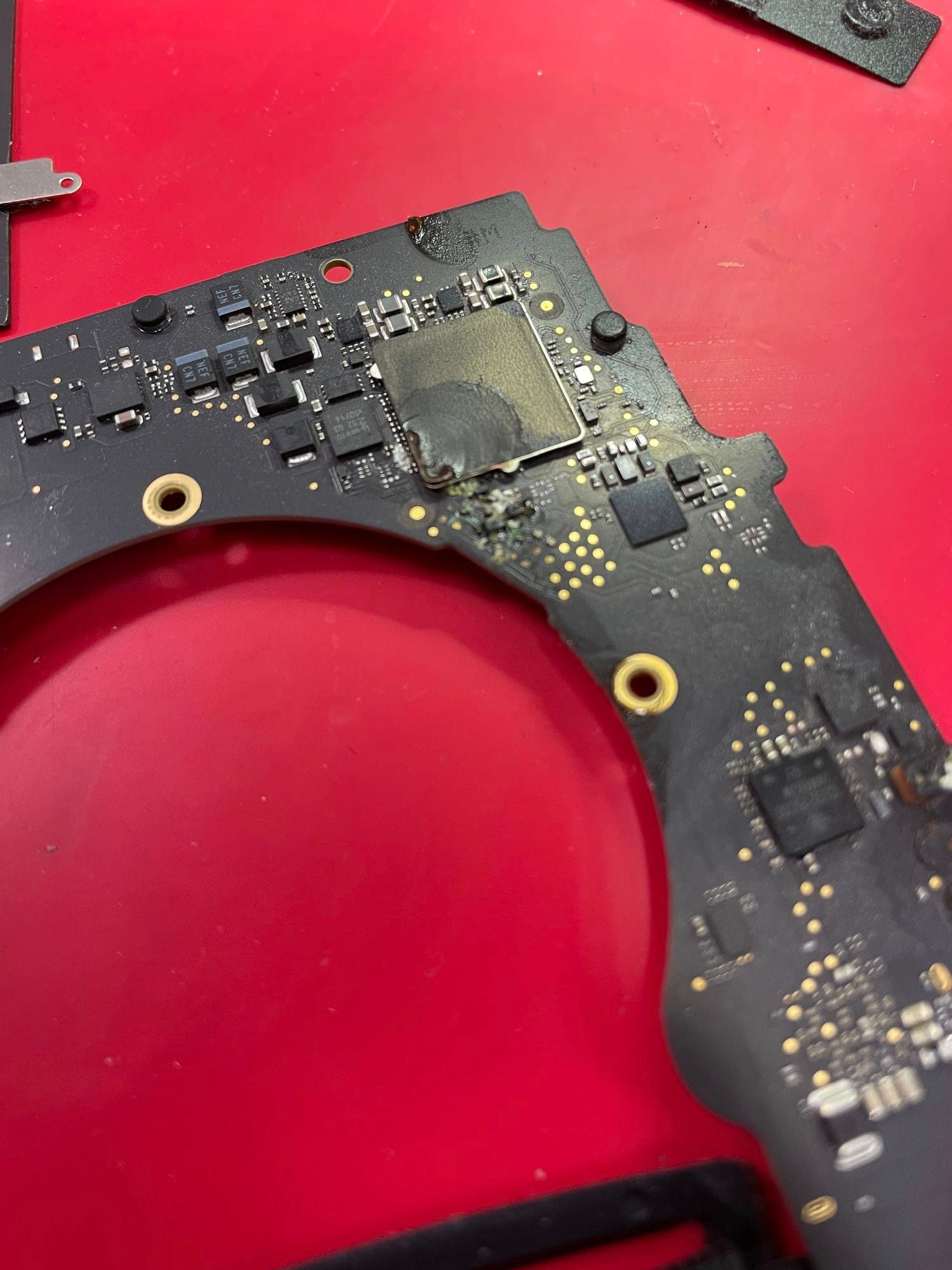
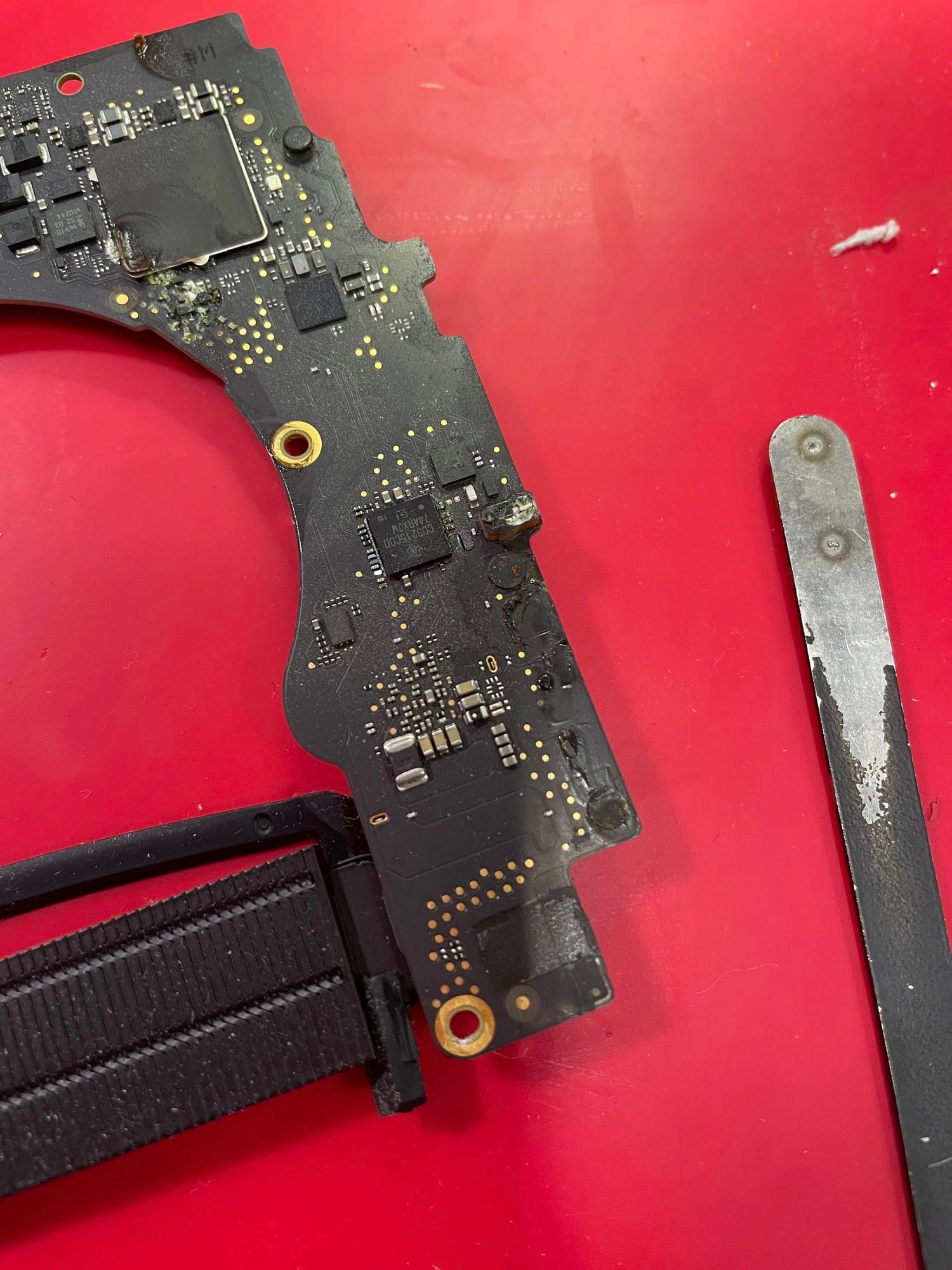
Under the microscope you can see straight away where the liquid went: corrosion by the USB-C ports, around the port controller (CD3215), and by the T1 chip, which in this model handles things like the Touch Bar and Touch ID.
After cleaning and repairing the board, the computer boots and charges normally again 🔧
If your MacBook Pro has also had contact with liquid, have a look at the page about MacBook Pro liquid damage repair.